
WhatsApp CRM Software in India: What It Actually Adds

A WhatsApp CRM is a normal CRM with one addition: WhatsApp conversations show up against the customer record instead of living in a phone's chat app that only one person can see.
The value isn't the chat interface - it's that a salesperson leaving the company doesn't take the customer's conversation history with them on their personal phone.
What problem does a WhatsApp CRM actually solve?
In most small businesses, WhatsApp sales happen on someone's personal number. When that person is on leave, nobody else can answer the customer. When they leave the company, the conversation history leaves with them. A WhatsApp CRM moves the conversation onto a shared business number that the team can see, while keeping the WhatsApp experience the customer already expects.
What should it actually include?
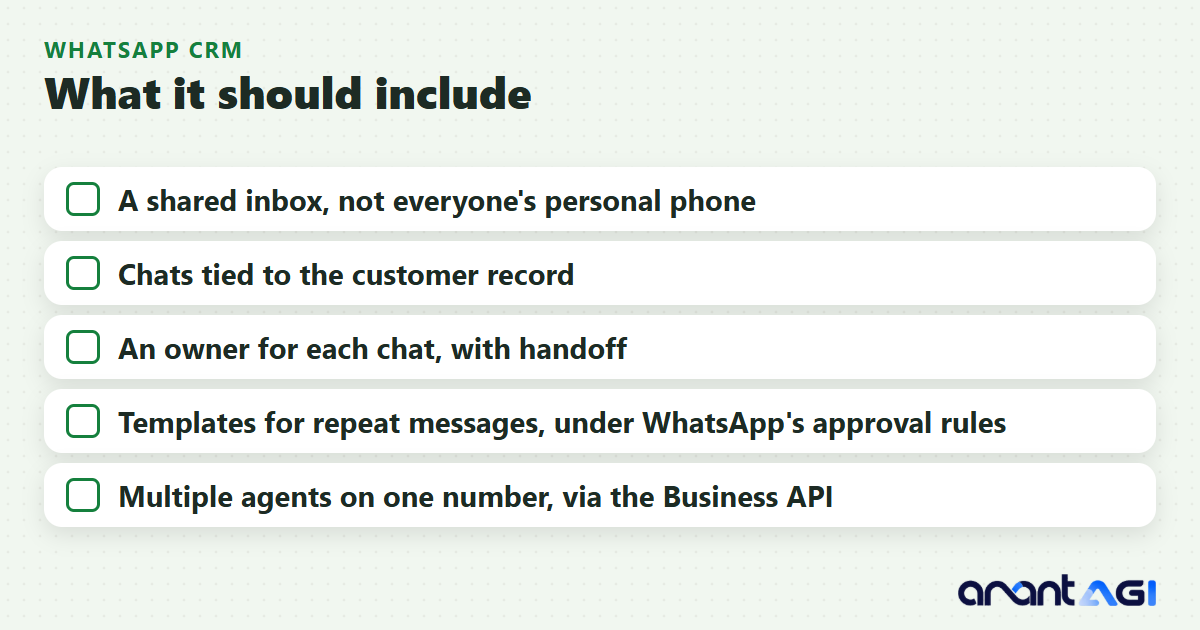
- A shared inbox, not everyone's personal phone, so any team member can pick up a conversation.
- Conversations tied to the customer record, so a chat thread sits next to that customer's quotes, invoices and history - not as a separate silo.
- Assignment and handoff, so a conversation has an owner and can be reassigned without losing history.
- Templates for repeat messages (quote sent, payment received, order ready) that still go through WhatsApp's approval rules.
- Multiple agents on one number, since the official WhatsApp Business API supports this and the consumer app does not.
WhatsApp CRM vs a general CRM with a WhatsApp plugin
| Purpose-built WhatsApp CRM | General CRM + WhatsApp add-on | |
|---|---|---|
| Conversation history | Usually native and complete | Depends on the add-on's depth |
| Setup | Built around WhatsApp from day one | WhatsApp bolted onto an existing structure |
| Cost | Per delivered message, via the API | Base CRM cost plus add-on cost |
| Risk | Narrower feature set outside WhatsApp | Weaker WhatsApp depth if it's not the core product |
Neither is automatically better - it depends on whether WhatsApp is your primary sales channel or one of several.
What should you test in a demo?
- [ ] Can two team members see the same customer's WhatsApp history at once?
- [ ] Does a new quote or invoice in the CRM show up in the WhatsApp conversation automatically, or does someone retype it?
- [ ] What happens to a conversation when the assigned staff member is unavailable?
- [ ] Is it the official WhatsApp Business API, or a workaround that risks a ban?
- [ ] Can you export the full conversation history if you switch tools later?
Why this matters more than the WhatsApp interface itself
The WhatsApp chat window looks the same everywhere - what differs is what's behind it. A CRM that genuinely ties the conversation to the customer's quotes, bookings and invoices turns WhatsApp from a messaging app into part of the business record. See what a Business OS actually is for why keeping every customer touchpoint on one shared record, not WhatsApp alone, is the real goal.
What goes wrong without one?
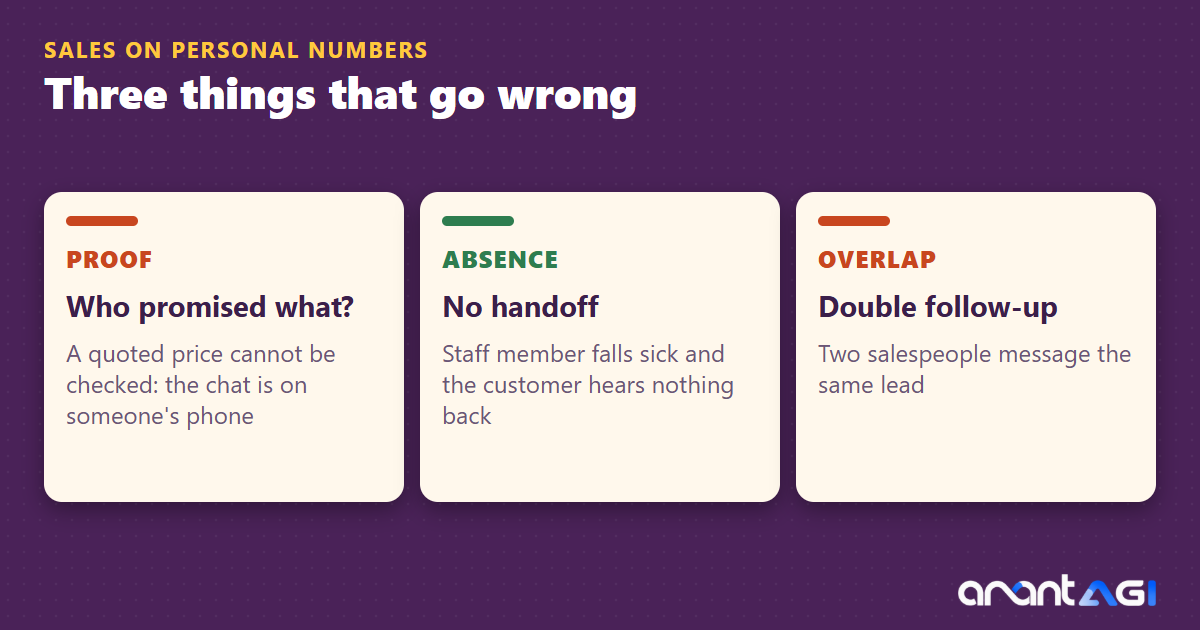
Three patterns show up repeatedly in small businesses running sales over personal WhatsApp numbers:
- The "who promised what" problem. A customer says "your colleague told me the price was ₹40,000," and nobody can check, because the conversation lived on a phone that's now with someone on leave or who has since left.
- No handoff on absence. A staff member falls sick on the day a customer is expecting a reply, and the customer simply doesn't hear back, because nobody else has access to that chat.
- Duplicate follow-up. Two salespeople both message the same lead because neither could see the other had already reached out, which looks disorganised to the customer and wastes everyone's time.
A shared, CRM-linked WhatsApp number removes all three, not through a feature, but through the basic fact that the conversation belongs to the business rather than to one person's phone. The fix is structural, not a setting you turn on once and forget.
How Anant AGI helps
Anant AGI keeps WhatsApp conversations next to the customer's actual records rather than running WhatsApp as a disconnected messaging layer - the same thinking behind WhatsApp business automation, applied to live conversations instead of just triggered reminders.
FAQ
Is WhatsApp CRM different from WhatsApp Business API?
The API is the underlying connection Meta provides; a WhatsApp CRM is software built on top of that API with an inbox, assignment and customer records.
Can I use WhatsApp CRM with my existing CRM?
Some tools integrate with popular CRMs instead of replacing them. Check this specifically if you already have a CRM you don't want to abandon.
Does every staff member need their own WhatsApp number?
No - that's one of the points of a proper WhatsApp CRM. Multiple staff can work from one shared business number.
Is WhatsApp CRM expensive?
Meta charges per delivered business message through the API, plus the software's own pricing. Get a clear, current quote rather than relying on published list prices, which change.
Can customers tell they're talking to a CRM instead of a person?
If a person is actually responding, no - the customer just sees a normal WhatsApp conversation. Automated template messages are a separate, clearly triggered category.
Sources
- Meta for Developers, WhatsApp Business Platform overview: developers.facebook.com
- WhatsApp business automation software - Anant AGI's own related guide, cross-referenced above.