WhatsApp Business Automation Software: What It Actually Does
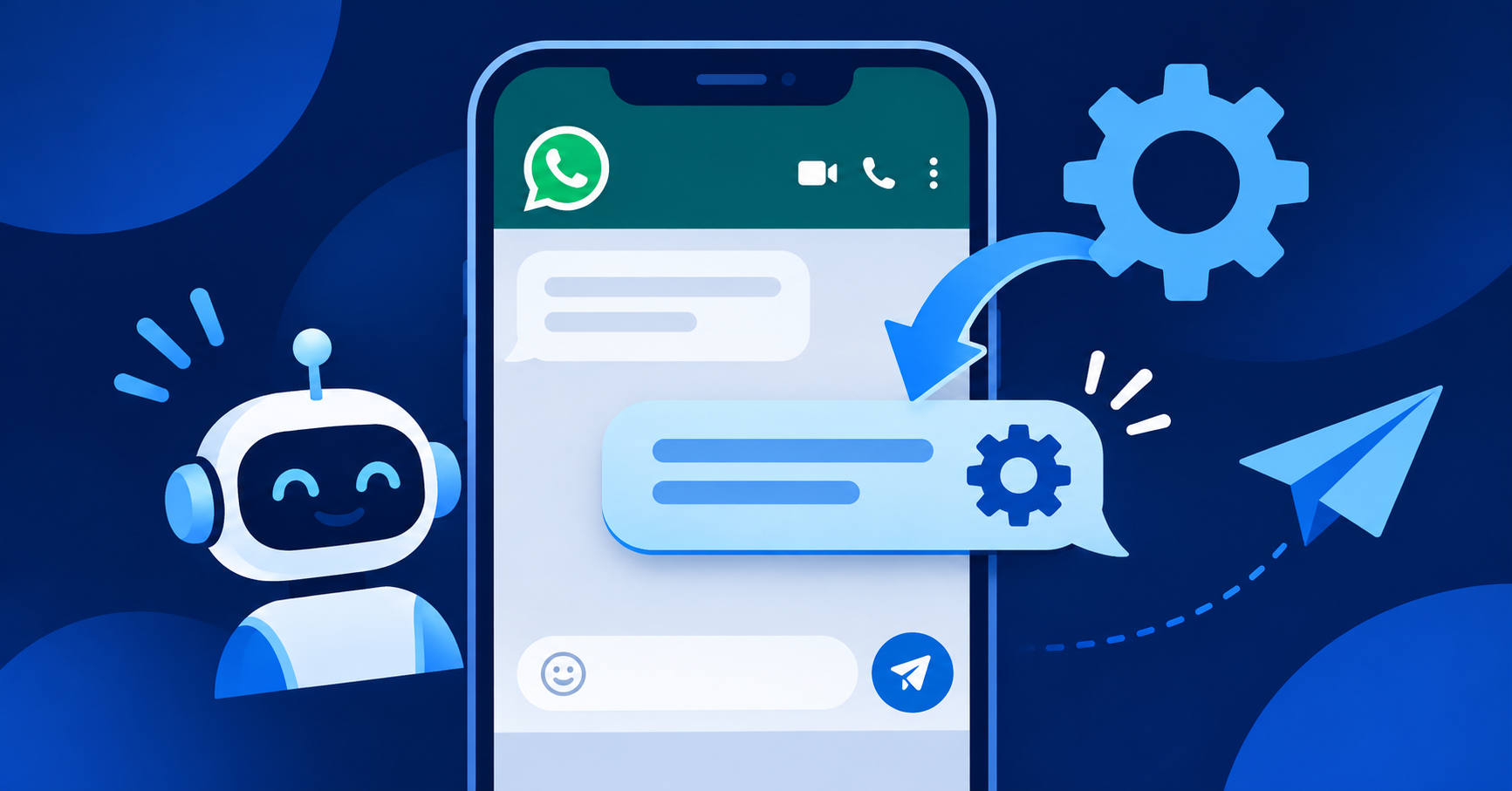
WhatsApp business automation software sends and replies to WhatsApp messages tied to real business records - a quote, an invoice, a booking - instead of a person typing the same message by hand every time. The best tools trigger off something that already happened in your business (invoice overdue, order ready, booking confirmed), not off a separate marketing calendar.
Most small businesses in India already run their customer relationship on WhatsApp, informally, through one person's personal number. Automation software does not replace that relationship - it removes the repetitive typing around it.
What does WhatsApp automation actually do?
Three jobs cover most of what small businesses use it for:
- Triggered messages. An invoice goes overdue, a quote is sent, a booking is confirmed - the message fires from that event, with the right customer name and amount filled in automatically.
- Auto-replies and simple routing. A customer messages outside hours or asks a common question; a saved reply or a menu of options responds immediately, and a person takes over for anything that needs judgment.
- Broadcast to a list. One update - a new offer, a closure notice - sent to a saved group of customers who have opted in, instead of forwarded one chat at a time.
WhatsApp Business app vs WhatsApp Business API
| WhatsApp Business app | WhatsApp Business API | |
|---|---|---|
| Who it's for | One phone, one or few staff | Software sending from your business systems |
| Automation | Basic: greeting message, away message, quick replies | Full: triggered by your own events, sent from code |
| Cost | Free | Paid per conversation, via a provider |
| Setup | Install and go | Needs a registered business account and a provider |
If you are copying a customer's name from an invoice into a WhatsApp chat by hand, that is the Business app's ceiling. True automation - "send this the moment the invoice is overdue" - needs the API, wired to your actual records.
What can't be automated?
Meta's own policy requires that a conversation started by a business to a customer outside a 24-hour reply window use a pre-approved message template - you cannot freely auto-send any message you like at any time. That rule exists to stop automation from becoming spam, and it means a human still has to be in the loop for anything outside an approved template or an active conversation.
This also means automation cannot talk its way around an angry customer or a price negotiation. It can tell someone their invoice is due; it cannot decide to offer them a discount to keep them calm. That boundary is deliberate, not a current limitation waiting to be removed - the moment a message needs judgment about this specific customer, it belongs to a person, not a template.
Where this fits into Anant AGI's "AI only for decisions" principle
A rule that always says the same thing - "payment received, thank you," "booking confirmed for 7pm" - does not need an AI model deciding what to say each time. It needs a trigger, a template and a send button that fires itself. Anant AGI's own design keeps that distinction: repeat messages are rules, not AI calls, which is also why they are cheaper and more predictable to run at volume than a model-generated reply for every message. See what an AI agent actually does for where judgment-based automation is used instead.
What should you check before buying?
- [ ] Does it trigger from your actual business data (invoices, bookings, orders), or only from a separate contact list?
- [ ] Does it use the official WhatsApp Business API, or an unofficial method that risks your number being banned?
- [ ] Can a human see and take over any conversation the software starts?
- [ ] Does it handle the 24-hour window and template-approval rule for you, or leave you to track it?
- [ ] Is pricing per conversation clear, including who pays when a customer replies?
How Anant AGI helps
Anant AGI connects WhatsApp messages to the same records as the rest of the business - an invoice reminder references the real invoice, a booking confirmation references the real booking - rather than running WhatsApp as a separate marketing tool with its own contact list. See what a Business OS actually is for why keeping WhatsApp, invoices and bookings on one shared record matters more than any single automation feature.
FAQ
Is WhatsApp automation legal for Indian businesses?
Using the official WhatsApp Business API through an approved provider is the compliant path. Automating messages by scripting the personal WhatsApp app violates Meta's terms and risks a ban.
Do customers have to opt in?
Yes, for template messages started outside an active conversation. Reputable providers require and record this consent.
Can WhatsApp automation replace a salesperson?
No, not for anything that needs judgment or negotiation. It removes repetitive status updates and reminders so a person's time goes to conversations that actually need a person.
How much does WhatsApp Business API cost in India?
Pricing is per conversation and varies by provider and message category (utility, marketing, authentication). Ask for the current per-conversation rate, since Meta has changed its pricing model before.
What happens if a customer replies to an automated message?
A good setup routes the reply to a real person or inbox rather than letting it disappear. Check this specifically in a demo.
Sources
- Meta for Developers, WhatsApp Business Platform messaging limits and the 24-hour customer service window: developers.facebook.com
- Meta Business Help Center, WhatsApp Business app vs API comparison: business.whatsapp.com