
How to Manage Multiple Events at Once Without Mistakes

To manage multiple events at once, put every date on one shared calendar, give each event one named owner, check every week for crew, vendors and equipment needed in two places, and give each event the same task list and status. Decide in advance who covers when an owner is away.
Handling one function is mostly about detail. Handling five is about collisions: the same decorator promised twice, the same coordinator expected at two gates, a balance payment nobody chased because each person assumed the other had. This guide is a working system for a small planning team, a venue or an event vendor going into a busy season. It is practical guidance, partly built on published guides, which mostly come from software companies.
Why do mistakes multiply when events overlap?
Each event brings its own client, vendors, payments and timeline. When two or more run together, they also compete for shared things. Those shared things are where a small team gets caught:
- People: the lead coordinator, the one person who knows the lighting setup, the driver.
- Vendors: a favourite caterer, photographer or sound team that more than one of your clients wants on the same date.
- Equipment: chairs, generators, walkie-talkies, truss, vehicles.
- Spaces: a hall or lawn, including its setup and breakdown hours.
- Cash: vendor advances that fall due in the same week, before client balances have arrived.
- Attention: messages for four events arriving in the same chat on the same evening.
In India this tends to bunch up. The planner directory Wezoree describes the wedding season as busiest from October to February (Wezoree). Your own booking history is a better guide than any general statement, so count your events month by month and see where your peaks really are.
Step 1: How do you set up one shared calendar?
Keep one calendar that the whole team treats as the truth. If a date lives only in somebody's phone or paper diary, treat it as not booked. Venue-focused guides from Planning Pod and Perfect Venue both make this point: one system for entering and changing bookings, holds recorded on the same calendar, and limited edit access (Planning Pod, Perfect Venue). Both companies sell booking software, so read their product points as vendor claims. The habits work in any shared calendar.
Give every entry these fields:
- Event name, client and venue.
- Status: enquiry, hold (with an expiry date), confirmed, completed or cancelled.
- Setup start and breakdown end, not only guest timings.
- Event owner and backup.
A multi-day wedding should appear as separate entries per function, because the haldi, sangeet and wedding may need different crews. If you run a hall or lawn, our guide on how to stop double bookings goes deeper into holds, buffers and edit rights.
Step 2: Who should own each event?
Name one owner per event. Not a team and not "all of us". The owner does not do every task; they know the current state and are the person who gets asked.
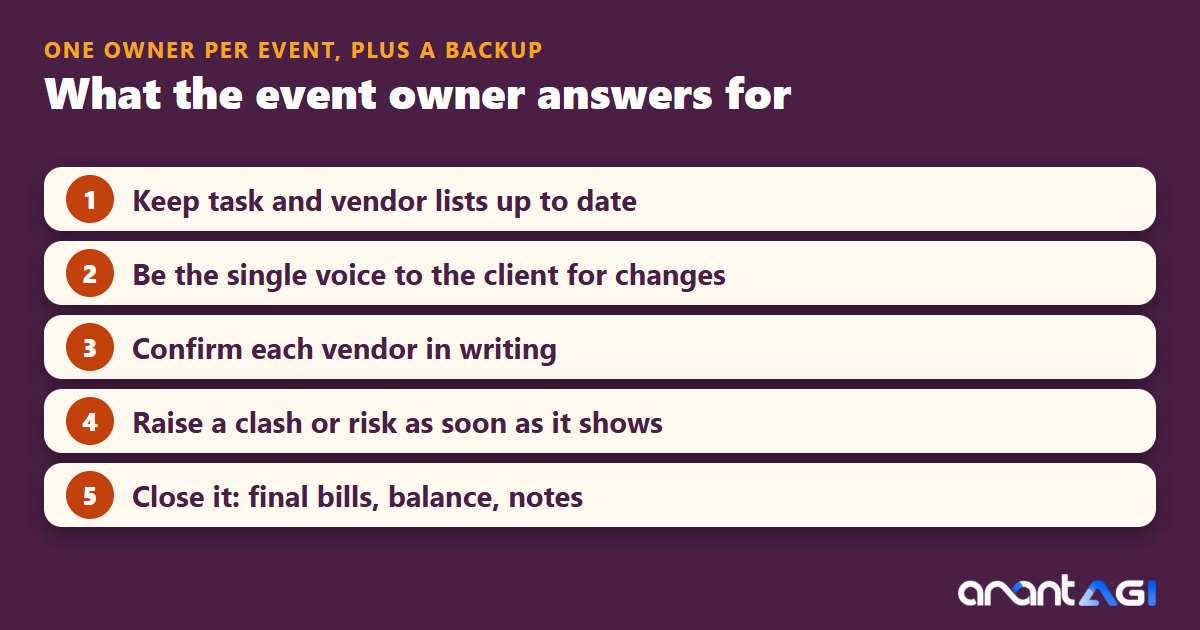
The owner is responsible for:
- Keeping the event's task list and vendor list up to date.
- Being the single voice to the client for changes.
- Confirming each vendor in writing.
- Raising a clash or a risk as soon as they see it.
- Closing the event: final bills, balance, handover of notes.
Name a backup too, and make sure the backup can find everything without calling the owner. Eventbrite's event project management article advises assigning tasks so everyone knows their responsibilities well ahead, and agreeing a communication hierarchy so people know whom to tell about problems (Eventbrite).
Be honest about how many events one person can own. We have not found a reliable independent figure, so do not borrow someone else's number. Watch your own signals instead: late replies, tasks closed after their due date, and an owner who has two events in the same time slot.
Step 3: How do you catch vendor, crew and equipment clashes?
A calendar shows events. It does not show that the same generator is on two of them. For that you need an allocation table, with one row for each shared resource on each date.
| Date and slot | Resource | Event A needs | Event B needs | Clash? | Decision and owner |
|---|---|---|---|---|---|
| 12 Dec, evening | Lead coordinator | Reception, 5-11 pm | Sangeet, 6-11 pm | Yes | Backup leads Event B |
| 12 Dec, full day | Chairs (stock 500) | 300 | 280 | Yes, short by 80 | Hire 80 and cost it |
| 13 Dec, morning | Photographer team | Haldi | None | No | Confirmed in writing |
The figures are made up to show the method. Run the same check for:
- Your own crew, including drivers and travel time between venues.
- Vendors you share across clients. Ask them directly how many teams they have on that date and which team is yours.
- Equipment, counting pieces in repair as unavailable.
- Vehicles, including the return trip.
Do the check at three points: before you confirm a new booking, in the weekly review, and again a few days before the event. The first check is the most useful, because it is far easier to price in extra crew or decline a date before the client has paid.
For vendor status and written confirmations, use the register in event vendor management for small agencies. For people, the event staffing checklist covers shifts and no-show backup.
Step 4: What should be the same for every event?
Standardise the skeleton so that switching between events costs less thought. Build one master template and copy it for each booking:
- Milestones counted backwards from the event date: contract and advance, vendor confirmations, client approvals, final guest count, briefing, event, settlement.
- One folder per event with the same sub-folders: contract, quotes, payments, plans, photos.
- One status line per event: on track, needs attention, or at risk, with a one-sentence reason.
- One run-of-show format, so crew moving between events read the same layout. See our run of show template.
- One naming rule for files and chat groups, with date first, then client name.
Keep one chat group per event and put decisions into the event record, not only the chat. When a client changes the guest count at night, the owner updates the record and tells affected vendors the next morning at the latest.
Step 5: What should a weekly multi-event review cover?
Hold a short fixed meeting, with the calendar for the next few weeks on screen. In peak weeks, add a brief daily check. Go through this list:
- [ ] Every event in the next 14 days has an owner and a backup who is actually available.
- [ ] Holds that have expired are released or extended with a reason.
- [ ] Resource clashes are listed, each with a decision and a person.
- [ ] Vendors not yet confirmed in writing are chased by a named person.
- [ ] Client payments due or overdue are listed, and vendor payments falling due are matched against them.
- [ ] Changes since last week (guest count, timing, venue, menu) have reached the vendors affected.
- [ ] Each event marked "at risk" has a next action and a date.
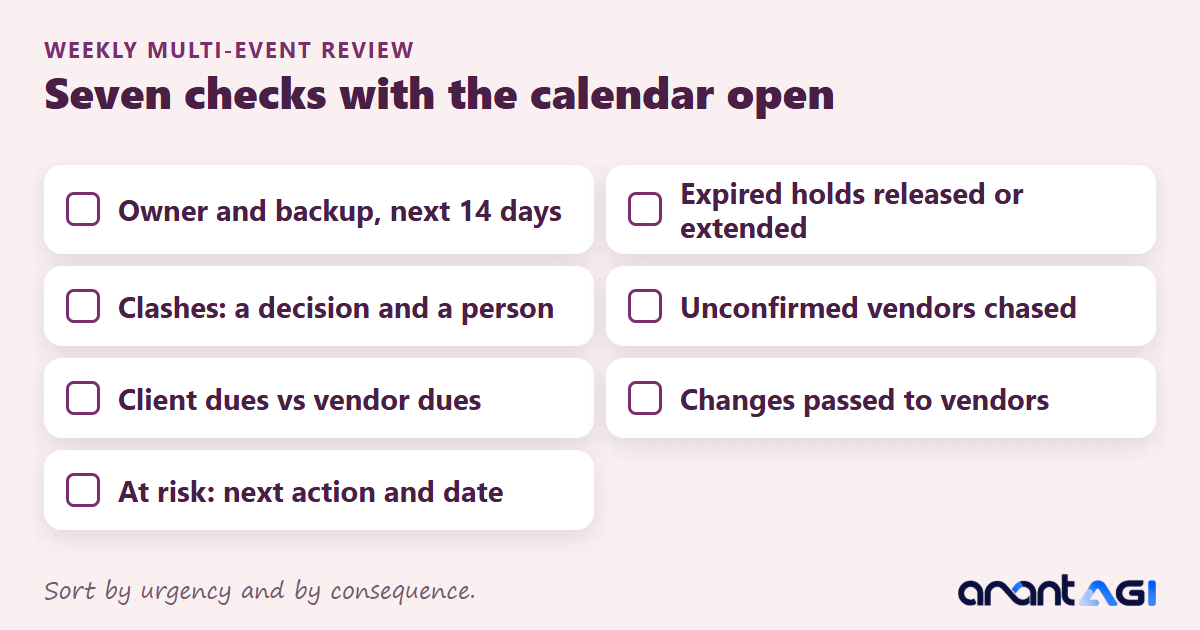
Sort by urgency and by consequence. A missing venue permission for an event on Saturday comes before a decor mood board for next month. Check with your venue and local authority what permissions an event actually needs.
For the money side, a dated event payment schedule shows whether this week's vendor payments are covered by what clients have already paid.
What should you do when something is already double booked?
Act the same day. Perfect Venue's suggested order for venues is a sensible base for planners too: confirm that the overlap is real, decide which booking keeps the resource (usually the one with a signed contract and deposit, subject to the contract terms), call the affected client before they hear it elsewhere, and offer a real alternative (Perfect Venue).
Then write down how it happened. Was a hold never recorded? Did two people have the right to confirm? Was setup time ignored? Fix that one gap in your template. What you owe the client depends on your contract; for a dispute, take legal advice.
When is a spreadsheet no longer enough?
A shared calendar and two sheets can carry a small team. Consider software when people overwrite each other's changes, when you cannot answer "who is free on the 14th?" quickly, or when payments and bookings live in different places and disagree. Before paying, test a real clash in the demo: book the same space and resource twice and watch what happens. Our event management software buyer's checklist has more tests.
How does Anant AGI help?
Honest status: Anant AGI's event tools come from a separate event platform build (Ayojaan). They are planned / a separate build, not features you can use inside Anant AGI today, and we do not promise automatic clash detection for crew, vendors or equipment. See the event software page for the current status. The system above works with tools you already have.
FAQ
How do event planners handle multiple events at the same time?
They keep one shared calendar, give each event a named owner and backup, reuse one task template, and review shared resources for clashes every week. The aim is that anyone on the team can see an event's status without asking around.
How many events can one planner manage at once?
It depends on event size, how much they overlap and how much support the planner has, and we have not found a reliable independent number. Track late tasks, slow replies and same-slot commitments to find your team's limit.
How do I avoid double booking a vendor across two events?
Record which vendor team is assigned to which event and slot, and get that confirmed in writing. Check the allocation before accepting a new booking, not only the week before.
What is the best tool to manage multiple events?
The best one is the one your whole team updates. Start with a shared calendar plus an allocation sheet, and move to software when edits collide or records stop matching.
How far ahead should I check for clashes during wedding season?
Check at the moment of booking, then weekly for the coming weeks, and once more a few days before each event. Allow extra time for hired crew and equipment on popular dates.
Sources
- Perfect Venue, double booking (venue software vendor)
- Planning Pod, managing event bookings and avoiding double bookings (software vendor)
- Eventbrite, event project management (platform vendor)
- Wezoree, wedding planners in India (planner directory)