
Venue Booking Software: How to Stop Double Bookings
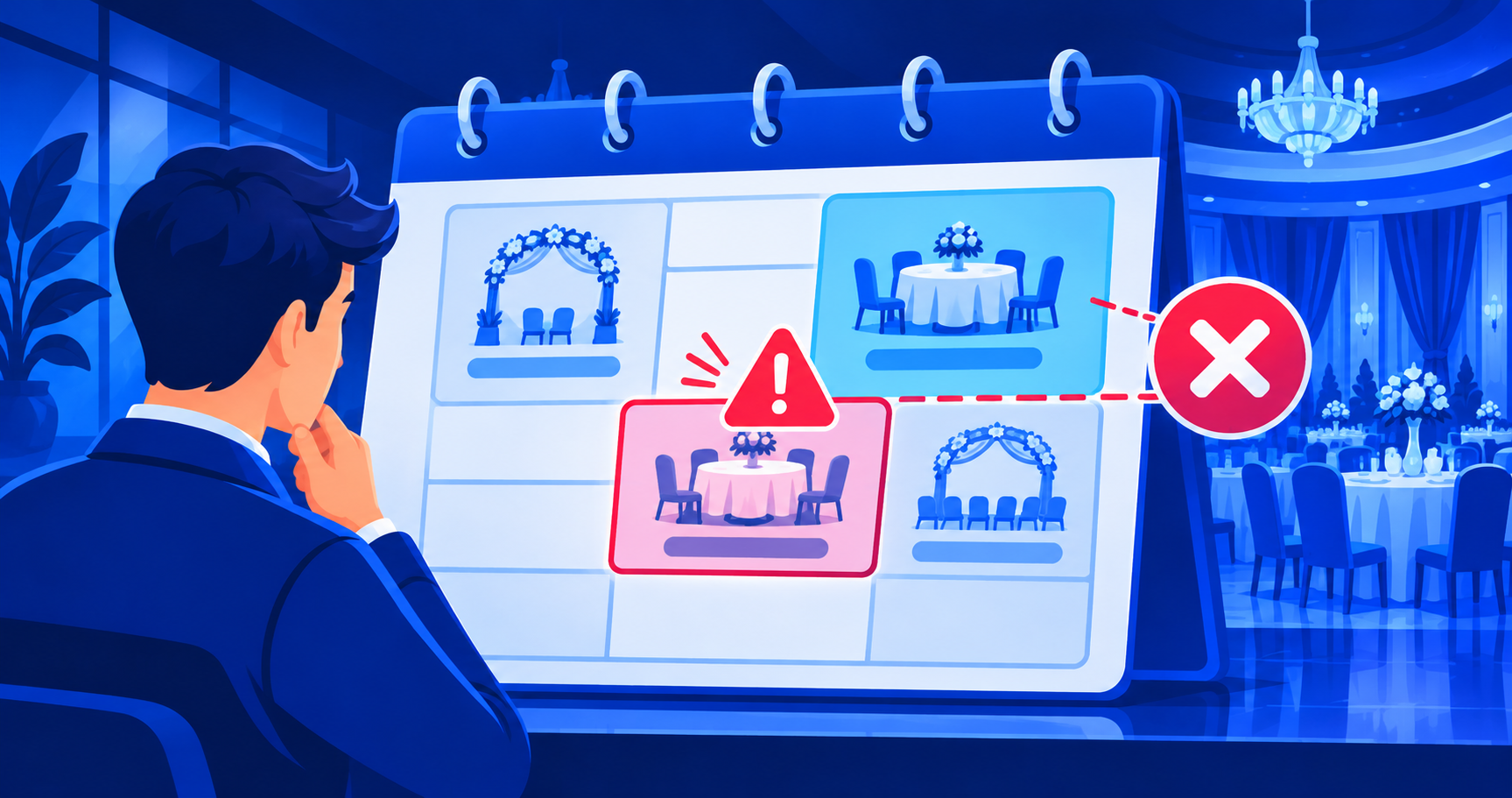
You stop double bookings by keeping one shared calendar as the only source of truth, placing a temporary hold the moment a date is promised, and limiting who can change bookings. Venue booking software does this automatically by warning staff before an overlapping booking is saved.
A double booking costs more than an apology - a refunded advance, an angry family and a damaged reputation in a small city where word travels fast. Most clashes come from the same cause: two people promised the same date from two different places.
What causes double bookings?
Industry guides agree on the pattern. Manual or disconnected systems cause most clashes, so a single shared digital calendar is the foundation (Planning Pod). Each extra tool is another place a booking can be missed (Perfect Venue).
Typical causes at an Indian banquet hall or lawn:
- The register at the front desk and the manager's phone notes disagree.
- A verbal "we will keep the date for you" is never written down.
- Two staff take calls on the same day.
- A hall has multiple spaces (lawn, hall, mandap area) and nobody tracks which is free.
- Timings overlap: a morning function runs late and the evening setup starts.
How do you set up a booking system that prevents clashes?
1. One calendar, one place
Every enquiry, hold and confirmed booking goes into the same calendar. No private notebooks.
2. Treat each space as its own resource
Lawn, banquet hall and rooms each get their own calendar, so a clash is checked per space.
3. Use holds with an expiry
A "tentative" status with a clear last date. If the advance is not received by then, the hold releases and the date is free again.
4. Block setup and breakdown time
A function does not end when the guests leave. Add buffer time before and after so a late finish does not collide with the next setup.
5. Restrict who can edit
Everyone can view; only authorised staff can confirm, move or cancel.
6. Get a warning before saving an overlap
The software should alert staff when a new booking overlaps an existing one on the same space, not after the clash.
Manual register vs booking software
| Question | Paper register / WhatsApp | Venue booking software |
|---|---|---|
| Who sees the latest bookings? | Whoever has the book or latest chat | Everyone with access, live |
| Overlap warning | Depends on memory | Checked when the booking is saved |
| Tentative dates | Verbal promise | Hold with expiry date |
| Multiple spaces | Hard to track | Calendar per space |
| Proof of what was agreed | Hard to find | Booking record with payments and notes |
| Reminders before the event | Manual calls | Reminder tasks |
Checklist: is your venue ready to stop double bookings?
- [ ] Every enquiry is recorded in one place on the day it arrives.
- [ ] Each hall, lawn or room has its own calendar.
- [ ] Holds expire on a stated date.
- [ ] Setup and breakdown time is blocked.
- [ ] Only named staff can confirm or cancel a booking.
- [ ] The advance is recorded against the booking, with date and mode.
- [ ] You review next week's bookings every week.
What should you check before buying venue booking software?
Most vendor blogs have a product to sell, so test claims in a demo rather than trusting a feature list. Ask the vendor to create two overlapping bookings live and show you the warning. Ask whether the system works on a phone, since front-desk staff and managers often use mobile. Ask how you export your data. This is the same checklist approach that works for choosing quotation and invoice software - test the actual flow, not the feature list.
How Anant AGI helps
Anant AGI is building event management for venues and vendors. The current direction includes a booking calendar with double-booking protection, bookings, manual payment records (advance and balance), a lead list, and team roles with an activity log - the same system behind event.anantagi.com. Holds with a stated expiry are not yet a confirmed live feature; check the current status before promising it to a client.
FAQ
Can WhatsApp and a paper register prevent double booking?
Only with strict discipline and one person controlling both. Any second place where a date can be promised brings the risk back.
How long should I hold a date without an advance?
That is your policy. Pick a clear window, write it on the quote, and make sure the system or register shows the hold end date.
Do I need separate calendars for a lawn and a hall?
Yes, if they can be booked independently. One calendar per space lets you check a clash accurately.
What if the software shows a conflict I want to allow, such as a morning and evening function?
Set the timings for each function. Overlap checks should work on time slots, not whole days, if you run two functions a day.
Will software remove the need for a manager?
No. It removes the memory and copy-paste work. Someone still decides which bookings to accept.
Sources
- Planning Pod, avoiding double bookings: planningpod.com
- iVvy, preventing double bookings in a venue: ivvy.com
- Perfect Venue, double booking: perfectvenue.com